Performance Max Bad Placements: How to Fix Them

Performance Max Bad Placements: How to Stop Spam Leads and Steer PMax Back to Search
Performance Max (PMax) is Google’s all-in-one campaign type. It serves ads across every Google channel — Search, Display, YouTube, Maps, Gmail and more — from a single campaign. That multi-channel reach sounds great in theory, but it often creates real problems for service-based businesses that depend on high-quality leads, like therapy and mental health practices.
If your goal is to reach people who are actively searching for help, Google Search is usually your most valuable channel. Unfortunately, Performance Max has a habit of pushing budget toward cheaper, low-intent placements on the Display Network and YouTube. When your PMax campaign starts giving you bad placements, you need to rein in the algorithm and steer it back to Search. Here’s why it happens and the four guardrails we use to fix it.
Why Bad Placements Create a Spam Feedback Loop
When a Performance Max campaign shifts budget away from Search and into Display or YouTube, traffic quality drops fast. Display Network sites are notorious for accidental clicks, low engagement and bot traffic — some of which originates from data centers rather than real people.
This becomes a serious problem because Performance Max always runs on conversion-based Smart Bidding: Maximize Conversions (with an optional target CPA) or Maximize Conversion Value (with an optional target ROAS). Cheap Display clicks often produce spam form submissions or fake phone calls, and because the algorithm’s job is to get as many conversions as possible for your budget, it counts that spam as success.
Once PMax registers those junk conversions, it starts optimizing for them. It learns that Display and YouTube deliver “conversions” far more cheaply than Search, so it pulls even more budget away from Search and into bad placements. Before long, most of your spend is generating spam while real client inquiries dry up. If your account shows plenty of conversions but your inbox doesn’t, you may be getting clicks but no real leads. Stop the loop before the algorithm learns the wrong lessons and corrupts your campaign data.
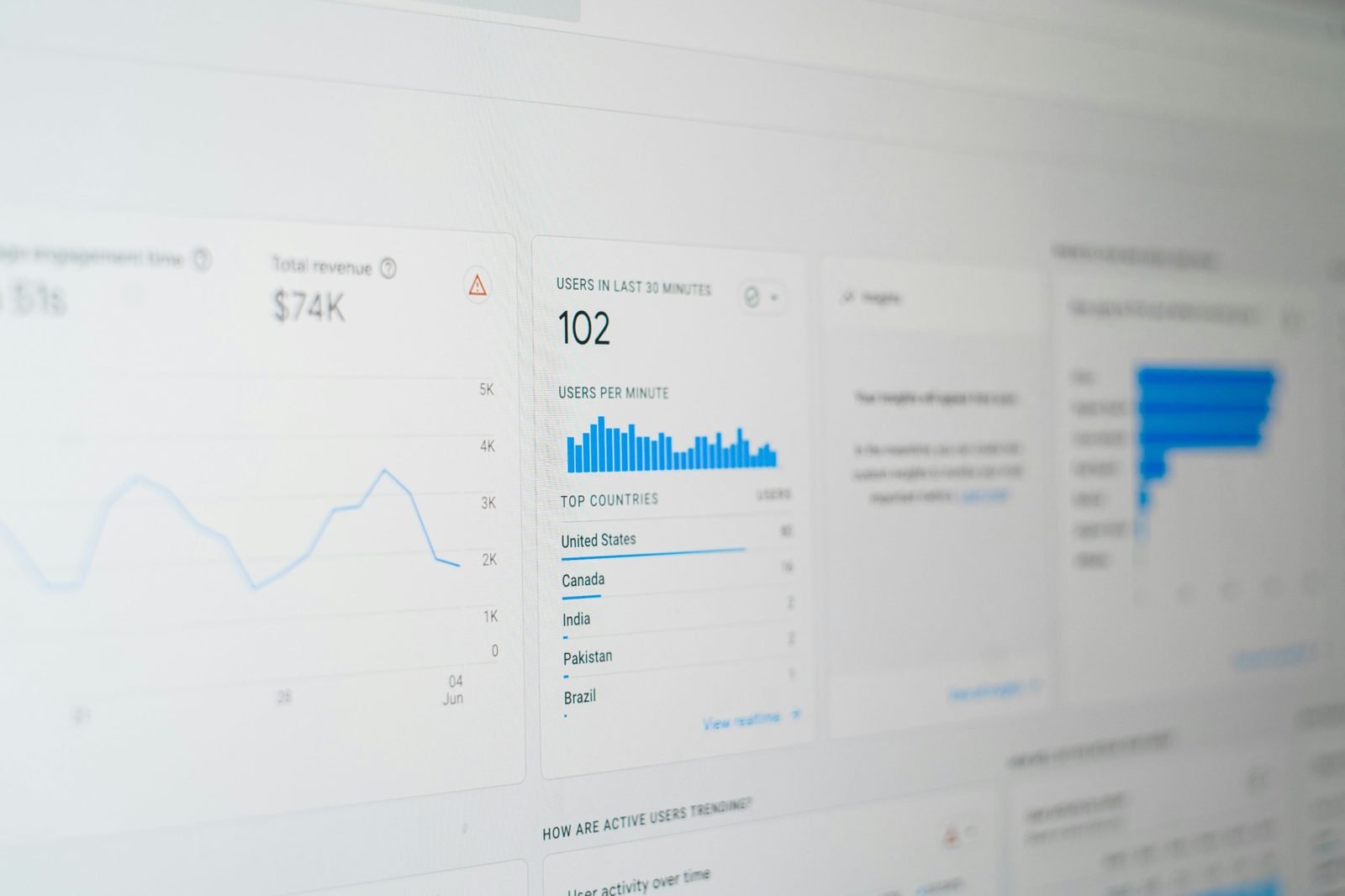
First, confirm where your budget is going. Open your PMax campaign and go to Insights & reports, then Channel performance. Google’s channel performance report breaks out impressions, clicks, cost and conversions by Search, Display, YouTube and other channels. A rising share of Display or YouTube spend paired with falling lead quality is the warning sign. It also helps to make sure only real leads are counted as primary conversions — here’s what good conversion tracking looks like.
How to Force Performance Max to Prioritize Search
You can’t simply uncheck the Display or YouTube networks in a Performance Max campaign, so you have to use indirect strategies to push the system toward Search. Here’s how to build guardrails around your campaign.
Strategy 1: Lean on Search Themes Instead of Audience Signals
Google lets you add search themes to Performance Max — up to 50 per asset group. These act as signals that tell the algorithm what your ideal clients are typing into the search bar, such as “anxiety therapist near me” or “online couples counseling.”
If you want PMax to behave more like a traditional Search campaign, rely primarily on search themes rather than other audience signals. Audience signals like demographic targeting or custom interest segments are display-first by nature, and they nudge the algorithm toward YouTube and Display, where it looks for people who match a profile. (Audiences work very differently inside Search campaigns.) Search themes root your targeting in search intent, which is where your ideal clients are looking for help. For the same reason, keep campaign-level negative keywords up to date so the Search side of PMax stays clean.
Strategy 2: Minimize Video and Image Assets

Performance Max decides where to show your ads based on the assets you upload. Load it with square images, custom graphics and video files, and the algorithm will look for places to show them — which inevitably means more YouTube and Display.
To push the system toward Search, starve the campaign of non-search assets. PMax requires a minimum number of images to launch, so keep them as limited and basic as possible. Be careful with video: according to Google, if you don’t upload a video, it may auto-generate one from your images and text. Check each asset group for videos marked “Automatically created” and remove them, and turn off video enhancements in your asset optimization settings wherever your account allows. Put your effort into strong, clear headlines and descriptions — those are the assets that win placements on the Google Search results page.
Strategy 3: Build Account-Level Placement Exclusion Lists
Unlike standard Display campaigns, Performance Max doesn’t let you exclude specific websites or apps in the campaign settings. Instead, PMax respects account-level placement exclusions (and exclusion lists applied from a manager account). Campaign-specific exclusions are possible only through a request to Google.
If your ads are appearing on irrelevant mobile games, low-quality websites or off-topic YouTube channels, collect those URLs and add them to an exclusion list in your Shared Library, then apply it at the account level. Find them in the Performance Max placement report (Insights & reports, then Report editor). Reviewing that report and updating your exclusions every few weeks is one of the most effective ways to keep the algorithm from wasting budget on zombie inventory.
Strategy 4: Restrict Content Suitability Settings
Beyond individual URLs, you can limit where your ads appear by tightening your account-level content suitability settings. By default, Google gives itself a lot of leeway in the types of content your ads can run next to.
Go to your account’s content suitability settings and lock them down as far as you’re comfortable. Exclude parked domains, sensitive social issues, tragedy and conflict, and broad mobile app categories. The more you restrict, the less Display and YouTube inventory is available to the algorithm — and when there are fewer valid options outside of Search, PMax routes more of your budget back to the Search network.
Key Takeaways
Performance Max drifts toward cheap Display and YouTube placements, and junk conversions from those placements teach it to drift further.
Check the channel performance report regularly to see where your budget actually goes.
Use search themes and negative keywords to anchor the campaign in search intent.
Limit images and video, and remove auto-generated videos where you can.
Block bad placements with account-level exclusion lists and strict content suitability settings.
Performance Max Works When It Has Guardrails
Performance Max can be an incredibly powerful tool, but it needs strict guardrails to keep it out of the worst corners of the internet. Leave the settings broad and the algorithm will gravitate toward cheap placements, creating a cycle of spam conversions and wasted spend.
By relying on search themes, starving the campaign of video assets and building account-level exclusion lists, you can rein in the AI and focus it on the high-intent search traffic that actually grows your business. With the right controls and honest lead-quality data, PMax can outperform Search — that’s exactly what we saw in our CMC Therapy case study, where Performance Max delivered consistently higher-quality leads.
Not sure whether your Performance Max campaign is wandering? Talk to the RevKey team for a free Google Ads account review — or read how to tell if your current agency is doing its job.
Frequently Asked Questions
-
No. Performance Max serves across all Google channels and has no channel opt-out. You can only influence where it serves through your assets, search themes, placement exclusions and content suitability settings.
-
Yes, at the account level. PMax respects account-level and manager-level placement exclusion lists. Excluding placements for a single PMax campaign requires a request to Google.
-
Usually because budget has shifted to low-quality Display, app or YouTube placements. Because PMax optimizes toward whatever it counts as a conversion, spam submissions teach it to buy more of the same traffic. Tighten your placements and make sure only qualified leads count as primary conversions.
About the Author
Sam D’Andrea, Google Ads Account Manager
Sam D’Andrea is a digital marketing strategist at RevKey, specializing in Google Ads, paid media optimization and data-driven growth strategies. With hands-on experience managing and testing evolving campaign types, Sam focuses on helping businesses generate higher-quality leads through smart automation, strong audience signals and accurate conversion tracking. At RevKey, Sam works closely with clients to translate Google’s constant platform changes into clear, effective advertising strategies that drive real results.